No description
| firefox.png | ||
| foxyproxy.png | ||
| README.md | ||


Description
This tutorial shows to you an example of Rougail use on how to set a proxy in the Mozilla Firefox browser.
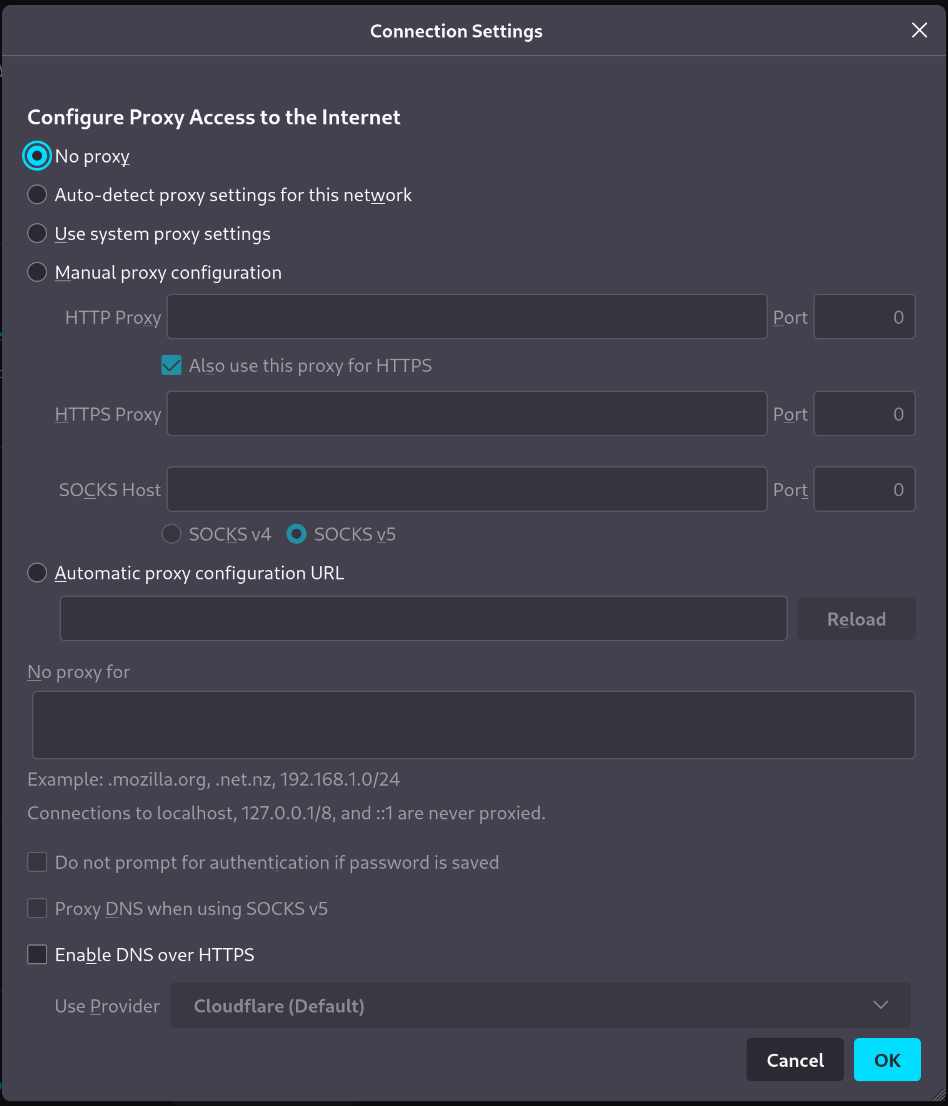
More precisely, this tutorial aims at reproducing this Mozilla Firefox settings page:
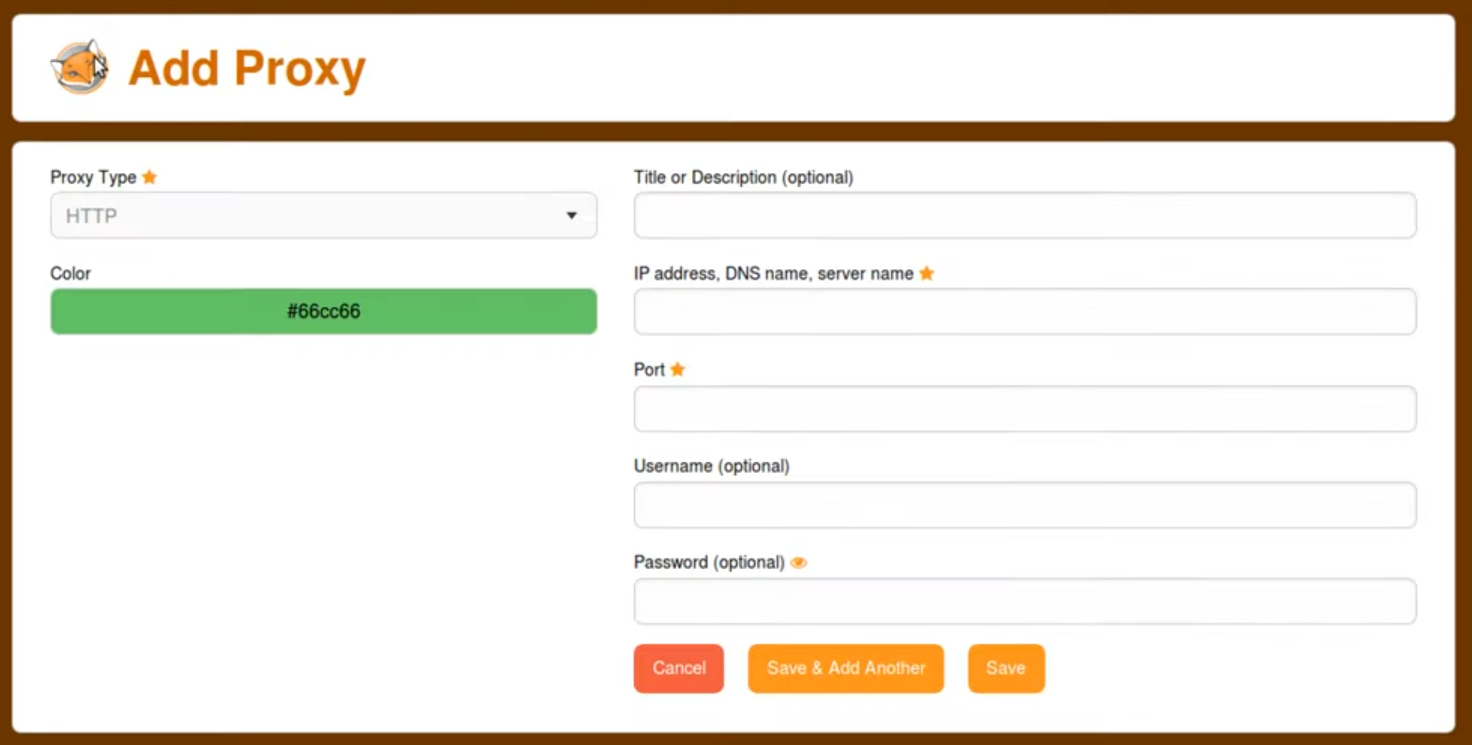
And the integration of part of the Firefox FoxyProxy plugin.
The idea is to have a namespace specific to FoxyProxy and to find in it part of the settings that we will have made in the main namespace.
This is what the page looks like:
Installation
# git clone -b 1.1 https://forge.cloud.silique.fr/stove/rougail-tutorials.git
# cd rougail-tutorials
# python -m venv rougail
# . rougail/bin/activate
# pip install rougail-cli rougail-output-exporter rougail-output-doc rougail-user-data-file
Summary
Each step is a separerate commit. You can navigate to history to discover different aspect to the Rougail format.
- Getting started
- Making a structure file
- Let's create our first "variable"
- Group variables inside "families"
- Constrainte the value of a variable with it's type
- [tutorial v1.1_020)] A variable with type "domainname" (diff)
- [tutorial v1.1_021)] A variable with type's parameters (diff)
- [tutorial v1.1_022)] A variable with type "port" (diff)
- [tutorial v1.1_023)] A variable with type "boolean" (diff)
- [tutorial v1.1_024)] Copy HTTP manual proxy to HTTPS manual proxy (diff)
- Define access to variable or family
- Variable: calculated default value
- SOCKS Manual mode
- Family: dynamic
- Property: Jinja and identifier condition
- Automatic proxy
- Address for which proxy will be desactivated
- Variable: multi and non mandatory
- Variable: extra description
- Prompt for authentication if password is saved
- Use proxy DNS when using SOCKS v5
- DNS over HTTPS
- [tutorial v1.1_080)] A boolean variable (diff)
- [tutorial v1.1_081)] A choice variable (diff)
- [tutorial v1.1_082)] A web_address variable (diff)
- [tutorial v1.1_083)] A variable with custom validation (diff)
- [tutorial v1.1_100)] Namespace (diff)
- [tutorial v1.1_101)] xxx (diff)
- [tutorial v1.1_103)] xxx (diff)
- [tutorial v1.1_104)] xxx (diff)
- [tutorial v1.1_105)] xxx (diff)
- [tutorial v1.1_110)] xxx (diff)