No description
| firefox.png | ||
| foxyproxy.png | ||
| README.md | ||


Description
This tutorial shows to you an example of Rougail use on how to set a proxy in the Mozilla Firefox browser.
More precisely, this tutorial aims at reproducing this Mozilla Firefox settings page:
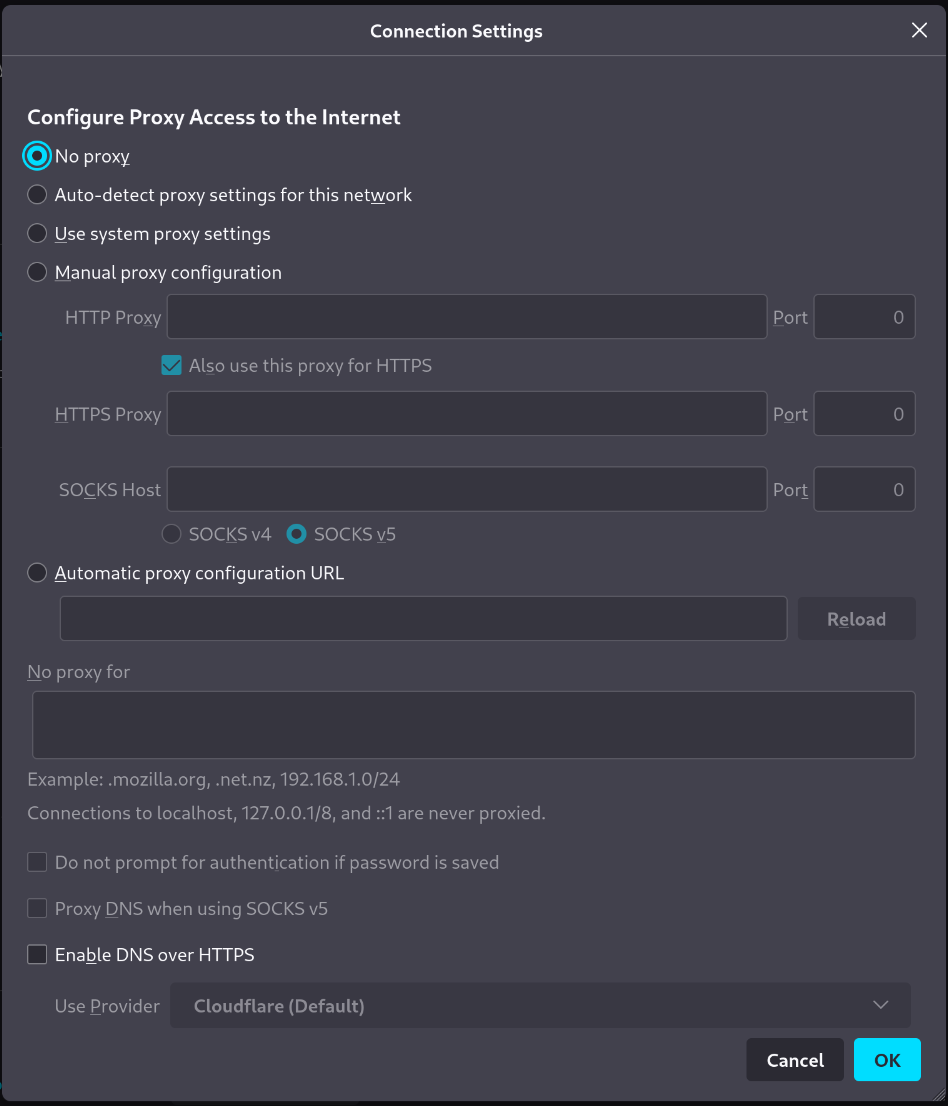
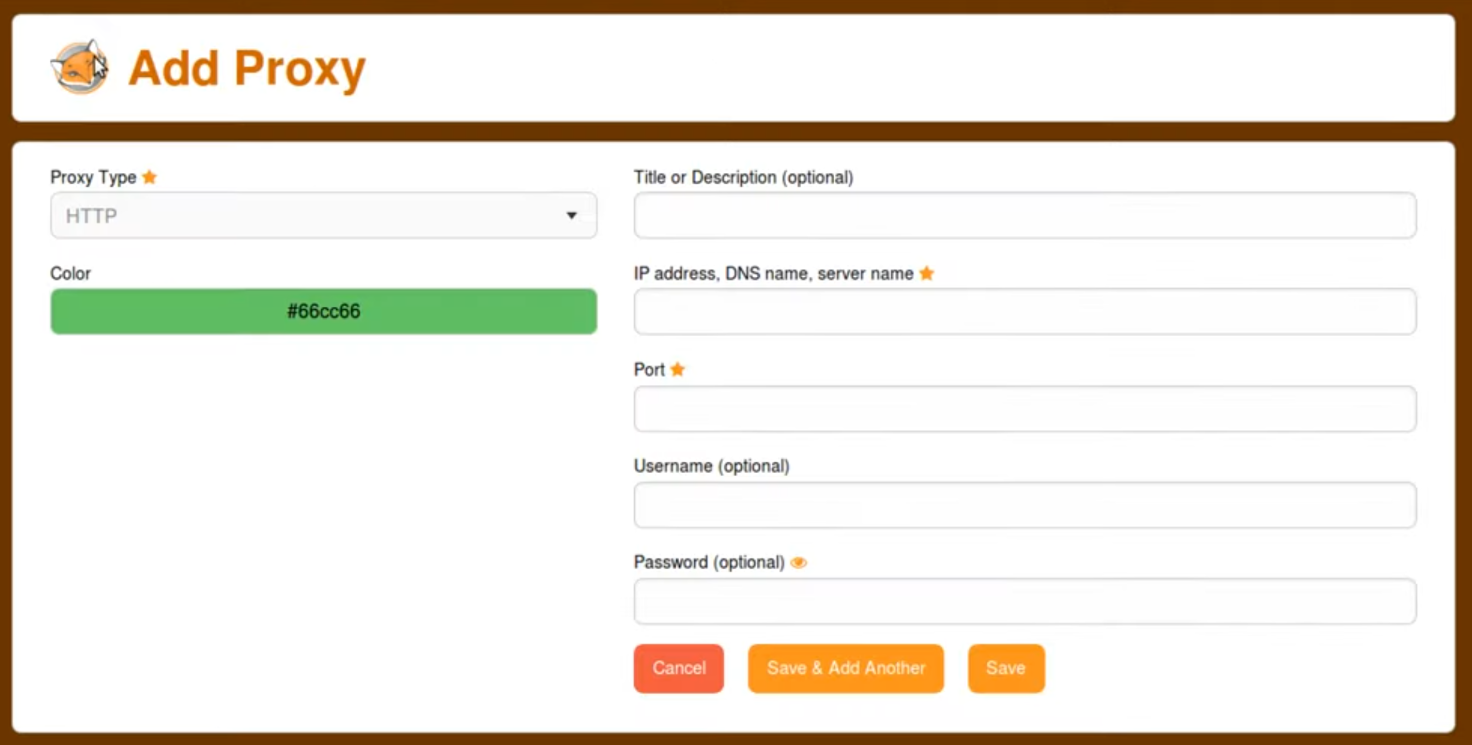
And the integration of part of the Firefox FoxyProxy plugin.
The idea is to have a namespace specific to FoxyProxy and to find in it part of the settings that we will have made in the main namespace.
This is what the page looks like:
Installation
To test this tutorial, you need to download this repository and install Rougail:
git clone -b 1.1 https://forge.cloud.silique.fr/stove/rougail-tutorials.git
cd rougail-tutorials
python -m venv venv_rougail
. venv_rougail/bin/activate
pip install rougail-cli rougail-output-exporter rougail-output-doc rougail-user-data-yaml
Summary
Each step is a separerate commit. You can navigate to history to discover different aspect to the Rougail format.
- Getting started
- A variable with a list of possible values
- Group variables inside "families"
- Constrainte the value of a variable with it's type
- Define access to variable or family
- Property disabled
- Property hidden
- Calculated default value for a variable
- Dynamic family
- Playing with Jinja
- Various variables
- Multiple variable
- Mandatory
- Extras informations for a variable
- Various variables
- Mode
- Various variables
- Validators
- Namespace